
4 tips for optimizing your LeapSpace prompts
A guide to help you get even more out of your literature search in LeapSpace.

The rise of Generative AI (GenAI) in late 2022 inspired a spate of best practice guides, explaining how to write clear and well-structured queries (prompts) for these new AI tools.
That made perfect sense – early GenAI tools were largely simple question in / answer out models, so query quality had a big impact on the AI’s outputs.
Fast forward a few years and the capabilities of AI have evolved. Today, tools often draw on AI agents (agentic AI) to help users analyze and solve problems. For example, Elsevier’s new AI workspace LeapSpace, uses a team of agents to break down your query and build a multi-step plan to respond.
And because LeapSpace can ask its own follow-up questions, prompting precision is often not necessary. All you have to do is enter your query in whatever wording and language feels natural to you – LeapSpace is designed to translate non-English words, tidy up minor errors, determine the best search strategies, and build Boolean search strings required.
But understanding a few things about how LeapSpace works can help you get even more out of your literature search.
Here are some pointers to guide your exploration.
1. Topic is important – but so is research purpose
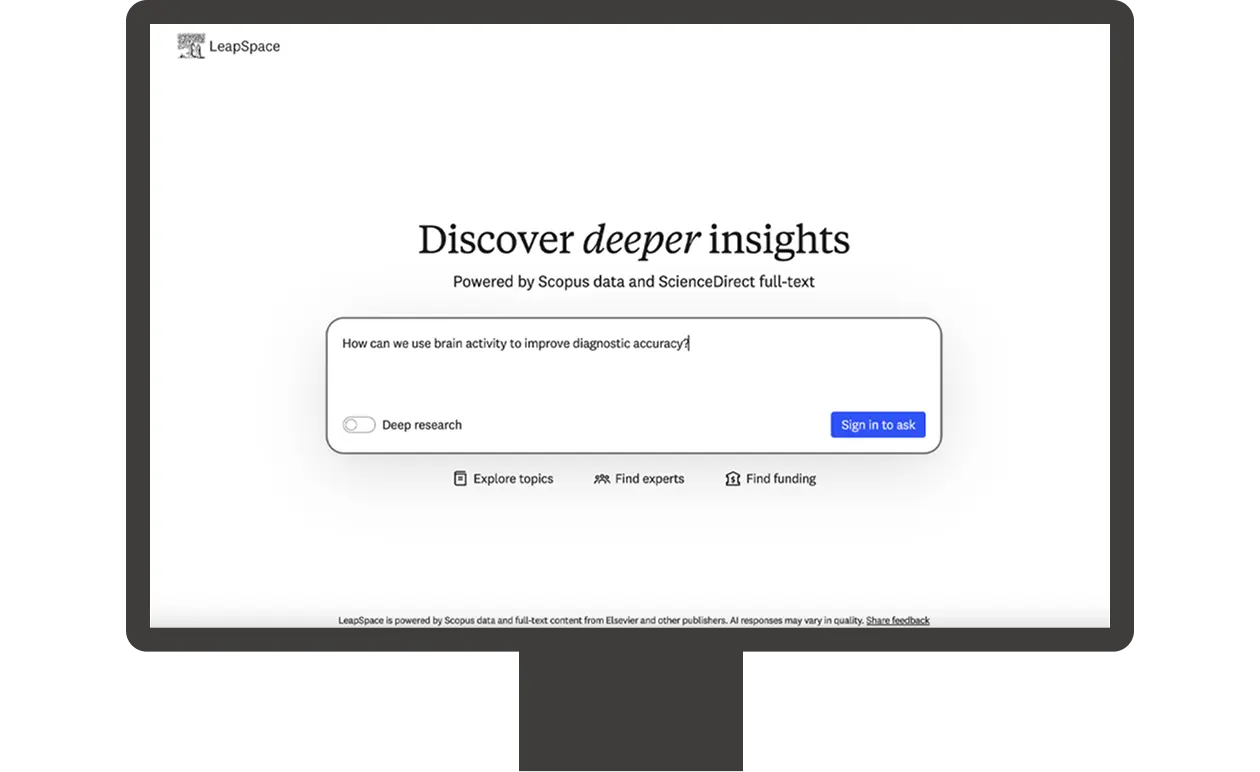
Let’s take the query "How does brain activity differ in ADHD vs autism?" as an example. A question like this will produce a generic neuroscience comparison. That’s fine if it’s what you are looking for, but adding your research goal helps LeapSpace tailor the search to your specific needs. For example, the query "How can we use brain activity to improve diagnostic accuracy?" prompts a focused clinical search and a more targeted outcome.
If the first response you receive isn’t exactly what you are looking for, LeapSpace enables you to continue asking follow-up questions. LeapSpace typically uses the most recent 5 exchanges for context, so if the conversation drifts far from where it started, a fresh chat with a short recap may give better results.
LeapSpace is also home to Conversational History — a LeapSpace feature that provides an overview of your previous prompts and responses. This is useful when you want to return to an earlier conversation, but it can also provide a useful source of inspiration when starting a new chat.
2. Select your response mode
LeapSpace currently offers two literature search modes:
The standard summary is great for answering most research questions. And if you’d like to receive your response in a specific format, you can add instructions to your prompt. For example, “give me 3-5 design approaches” or “synthesize viewpoints”. This helps LeapSpace select the right depth and framing. It’s worth noting that formatting instructions like these only shape how the response is presented, not which results LeapSpace retrieves. You can soon instruct LeapSpace to visualize results as flowcharts and tables.
Deep Research mode offers more detail and perspectives to help you really get to grips with a topic. This makes it the ideal choice when you're entering an unfamiliar field and need a comprehensive literature overview. A Deep Research query takes longer to run — sometimes several minutes — and the response takes the form of a comprehensive, multi-page report.
3. Don't strip out domain context for the sake of brevity
Background like "there is concern that patients are being incorrectly diagnosed" isn't just noise. It tells the system which angle of the literature matters most to you. The system is designed to decompose broad questions into searches and full context helps it target those searches more effectively.
Add additional context by uploading your own PDF files for LeapSpace to draw on, enriching analyses and responses. It’s worth noting that:
Elsevier has zero-retention contracts in place with our foundation model providers. This ensures that your prompts and documents are never stored or used to train any large language models (LLMs). By using Elsevier’s AI solutions, your organization benefits from our enhanced data privacy and enterprise-grade safeguards.
Uploaded documents will be safely stored in our controlled cloud environment in line with our security policy and Responsible AI Principles.
4. Use filters to refine your search parameters
There are several ways to limit parameters when running a literature search in LeapSpace. Current options are:
Country of primary author
Specific time ranges
Document types
Citation counts
Instead of selecting these filters from a menu, you just type them in as part of your natural language query; for example: “Identify trends in large language model development in Germany over the past five years. Only include papers with 25 citations or more.” This gives you the flexibility to tailor the response to your needs.
Evaluate the evidence behind claims
Claims in a LeapSpace response are referenced and can be traced back to their peer-reviewed source(s). Clicking on a reference reveals bibliographic details and a Link to statement, also known as a Trust Card, which shows you how closely that claim aligns to its source. This helps you to calibrate the strength of the evidence and can streamline fact checking. LeapSpace is currently the only AI tool to provide Trust Cards for all input types, including full text and abstracts.
Claim Radar builds on the confidence signals offered by the Trust Card by highlighting how the wider published literature aligns with a claim in a LeapSpace response. It shows you the proportions that support, contradict or offer a mixed perspective on that claim. It also provides representative sources with mini rationales.
Interested in learning more about the use cases LeapSpace supports? The article 6 ways LeapSpace can help you move from curiosity to discovery faster explains how researchers are using LeapSpace to advance their work. It also includes some sample prompts to help you get exploring.